Book III · The Shadow System · How To · No. 24
Secure the Smart Home
For the moment you realise nobody in the house has thought about the smart speaker's security since the day it went in the box.
Every device you add to your home network is another door — and most of them still use the password they arrived with.

A doorbell camera goes up on a Saturday afternoon, paired to the app in minutes, admin password left exactly as it arrived from the factory. A thermostat follows a month later. Then a speaker, a plug socket, a baby monitor — each one landing on the same network as the laptop that holds the banking login, none of them getting the scrutiny that laptop would.
Every one of those devices is a door. Most homes now have more of them than the people living there could actually list, and almost none are ever checked for who's still allowed to walk through.
The card sets out three practices for a home full of connected devices — putting them on their own network, replacing the password they arrived with, and knowing a device's end-of-life before its manufacturer stops patching it. It's for anyone who's added a smart device to their network this year and not thought about it since.
It comes from The Shadow System, where the fuller argument about personal cybersecurity, and the systems built to exploit exactly this kind of inattention, gets made at length. The card doesn't need the book to make sense — it stands on its own.
Print it, or hand it to whoever in the house set up the last smart device without changing the password.
How many devices on your network right now could you actually name?
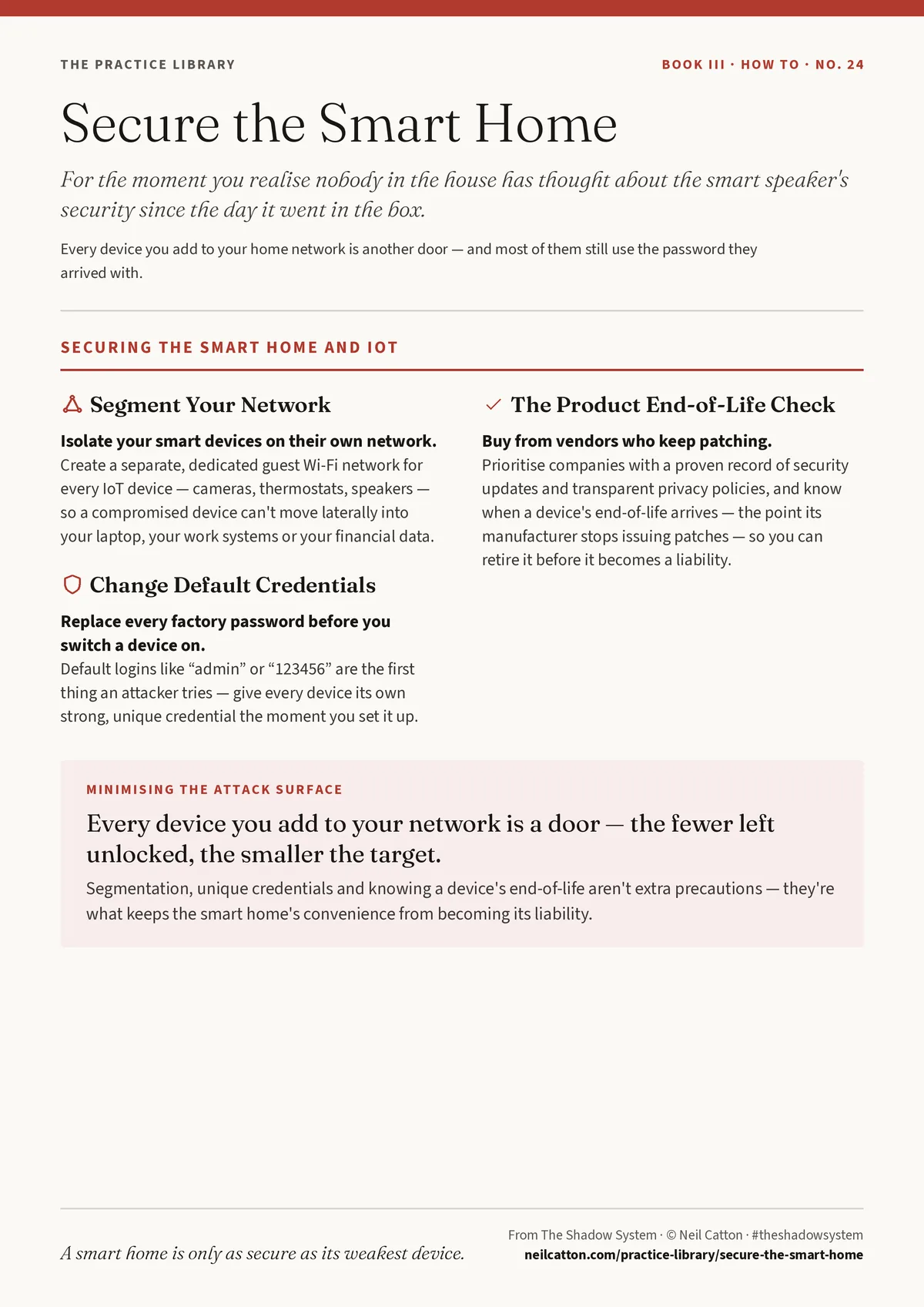
Secure the Smart Home
Securing the Smart Home and IoT
Segment Your Network
- Isolate your smart devices on their own network. Create a separate, dedicated guest Wi-Fi network for every IoT device — cameras, thermostats, speakers — so a compromised device can't move laterally into your laptop, your work systems or your financial data.
Change Default Credentials
- Replace every factory password before you switch a device on. Default logins like “admin” or “123456” are the first thing an attacker tries — give every device its own strong, unique credential the moment you set it up.
The Product End-of-Life Check
- Buy from vendors who keep patching. Prioritise companies with a proven record of security updates and transparent privacy policies, and know when a device's end-of-life arrives — the point its manufacturer stops issuing patches — so you can retire it before it becomes a liability.
A smart home is only as secure as its weakest device.
From The Shadow System · © Neil Catton · Filed under security and safety
Read it alongside
 Companion card · No. 17Build Your Digital FortressFor when the passwords are set, the 2FA is on, and the risk hasn’t actually gone away.
 Also from The Shadow System · No. 31Fortify the EnterpriseFor when the human element is your strongest layer of defence, not your weakest.
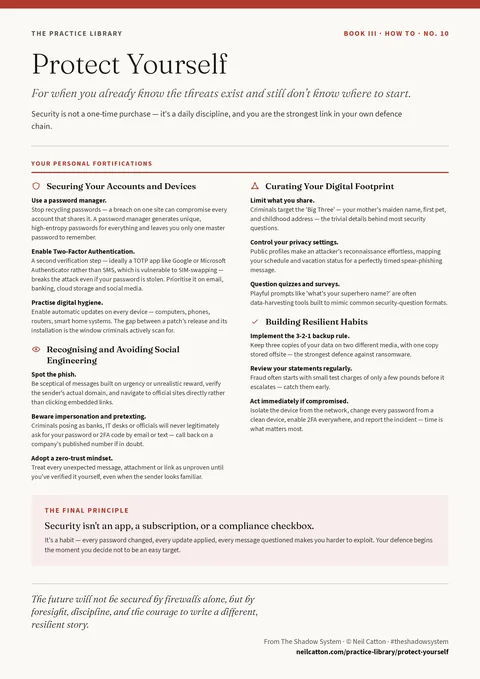 Also from The Shadow System · No. 10Protect YourselfFor when you already know the threats exist and still don’t know where to start.